
Markdown docs in your Google Drive
Your docs. Your Drive. Every collaborator — human or AI.
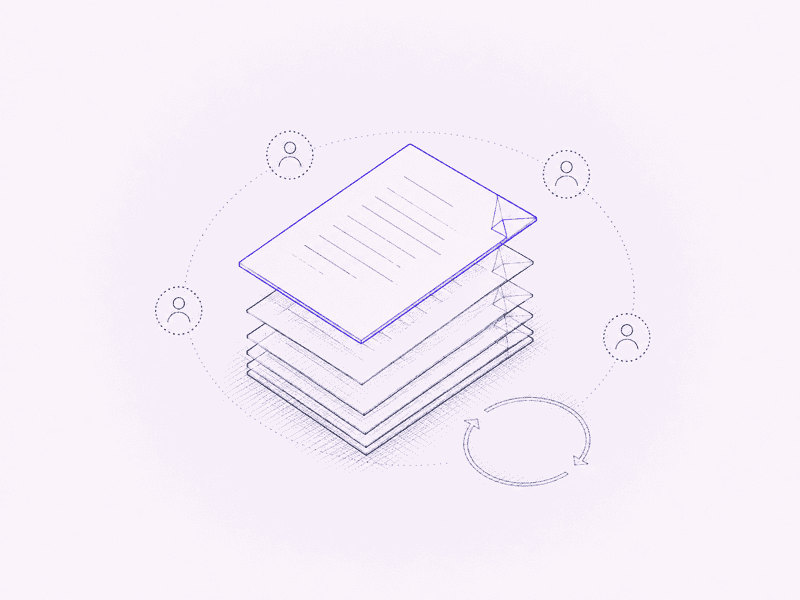
Mica is a multiplayer, multi-agent docs platform built on plain markdown. Every document is a .md file you own, in your own Google Drive, and people and AI agents write in it together in real time.
Markdown-native
A folder you already own
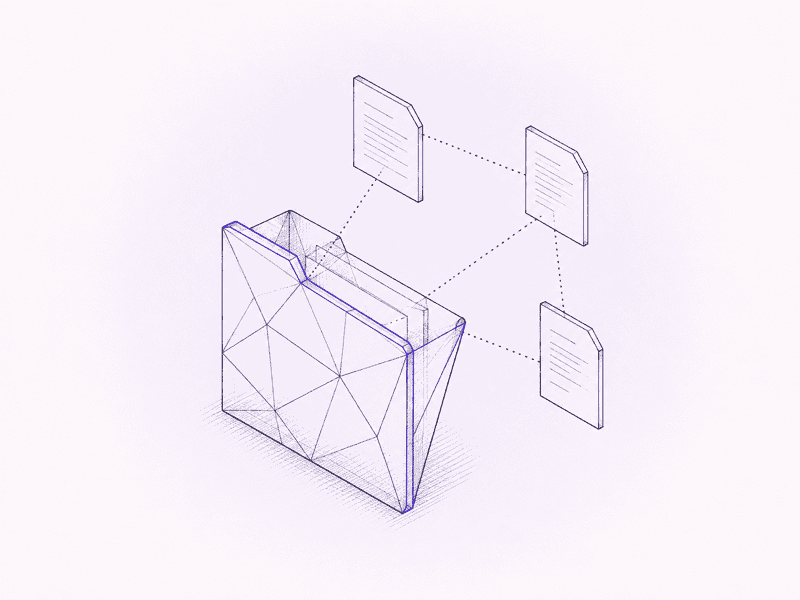
Connect a Drive folder and Mica shows it as a tree. Every document is a real markdown file, so nothing is converted, nothing is trapped, and anything that opens text files can open your docs.
- Plain .md files in your Google Drive, with no proprietary format and no export step
- Unlimited nesting, drag-and-drop moves, bookmarks, recents and personal tags
- Type [[ to link to another doc; the link survives renames and moves
Bring your own AI
Claude, ChatGPT or Gemini, beside your document
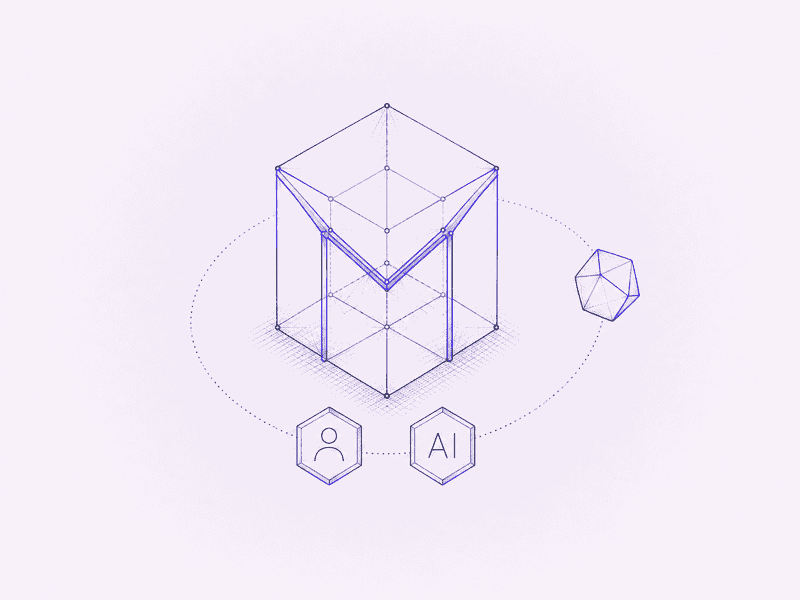
Press ⇧⌘K and ask about the doc you have open, using your own API key. Or hand off to your Claude or ChatGPT app, which reads and edits through Mica's MCP connector.
- Your key stays in your browser; requests go straight to the provider, never through Mica
- Edits land as small, undoable changes that collaborators see live
- MCP connections act under your own Drive permissions and can be revoked any time
Editor
See the page as you type
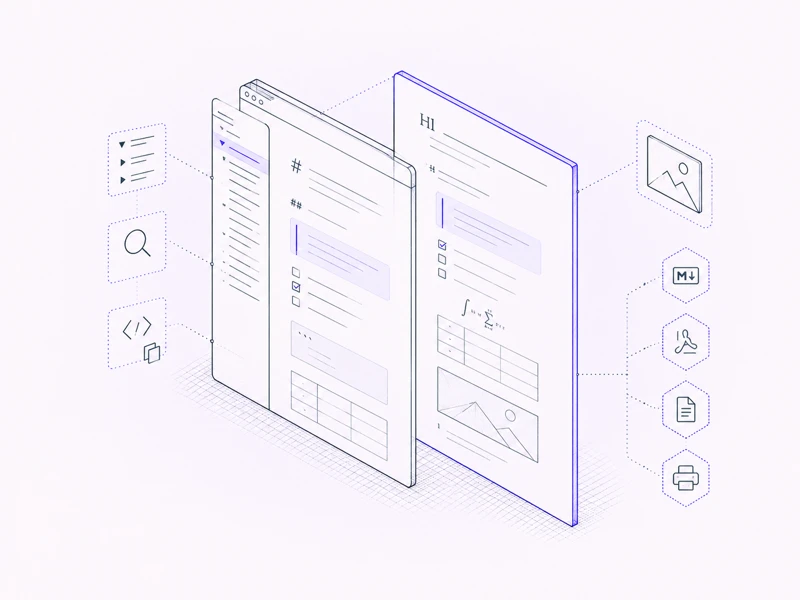
Live preview, not a split pane: headings, callouts, math, footnotes, task lists and tables render in place as you write. Docs open in Reading mode, and you switch to Edit when you mean to.
- Outline pane with folding, find and replace, and a copy button on every code block
- Paste images straight into a doc; they are stored in Drive beside it and move with it
- Export to Markdown, PDF or Google Docs, or print with page numbers
Realtime
Write together, live
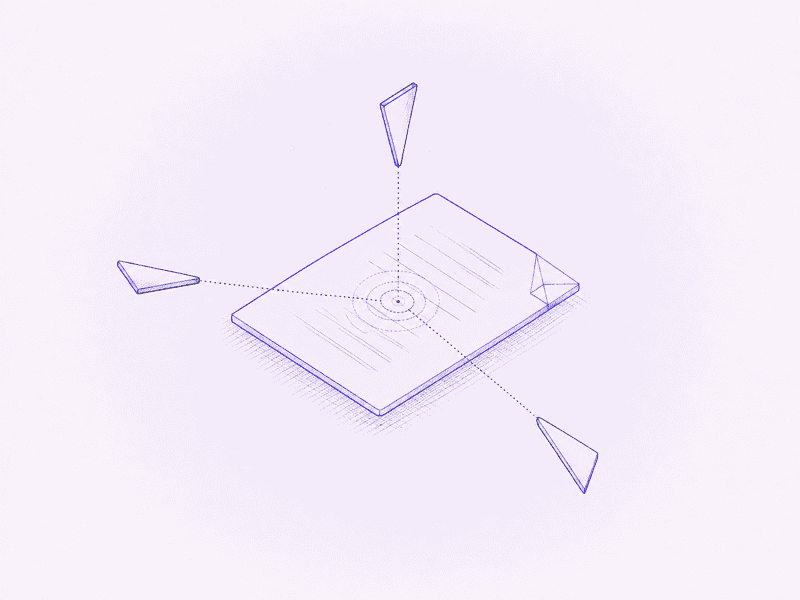
Open the same doc from two accounts and you see each other's cursors. If the live connection drops, Mica keeps autosaving and merges your edits when it returns.
- Live cursors and presence for every collaborator, with a distinct cursor for AI agents
- @-mention a teammate who can open the doc and they get a notification in Mica
- Falls back to autosave when the relay is unreachable, with a merge dialog if edits collide
Sharing and history
Permissions you already trust, history you can read
Share by email as viewer, commenter or editor and Mica writes real Drive permissions, so access follows the file wherever it goes. Version history is Mica's own readable changelog, stored in your Drive beside each doc.
- Drive permissions: viewer, commenter, editor, plus view-only links after an explicit confirmation
- Diff viewer with a deltas-only filter and one-click restore
- Press Cmd+S any time to record a checkpoint
Linear built in
Issues that stay current inside the doc
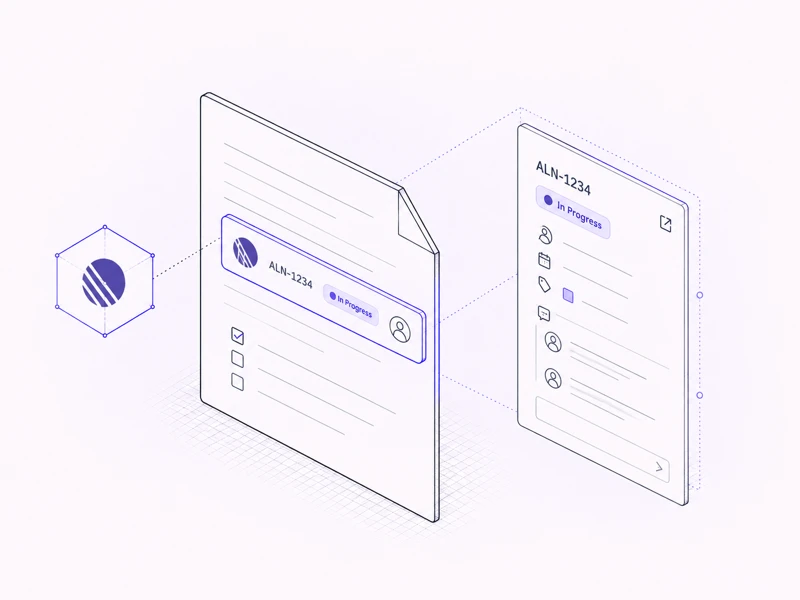
Paste a Linear link and it becomes a chip showing live status in Linear's own colors. Open the preview panel to change status, owner or due date and reply to comments without leaving the page.
- Cmd+K picks an issue by typing its identifier
- Two-way: status, priority, owner, due date, project and comment threads
- Nothing is written into the document; the markdown stays a plain link
Yours
Looks the way you want, works where you are
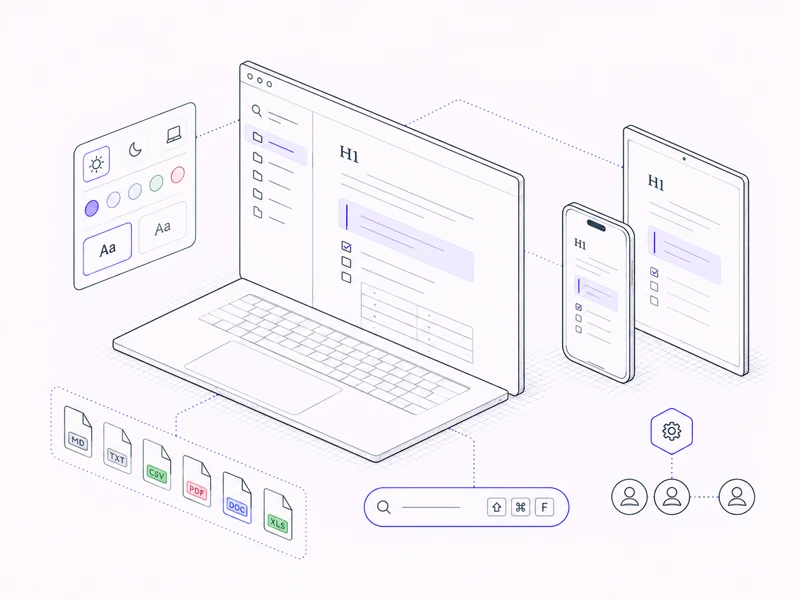
Light, dark or system, your own accent and fonts, five themes, and an installable app for your desktop or phone.
- Opens .md, .txt and .csv for editing and PDFs for reading, and previews Word and Excel files
- Search every connected folder by name and full text with ⇧⌘F
- Individual and team accounts, with admins, members and invites
Privacy
Your files stay yours
Mica is built so there is nothing of yours to lose. Delete Mica and every document is still sitting in your Drive.
Read the privacy policy- Document content lives only in your Drive, your browser, and the live-editing relay's memory during a session
- Mica stores file ids and byte counts, never content
- Encrypted in transit and at rest, and the OAuth tokens Mica holds are encrypted too
- No ads, no training on your data, and no human reads it
- Cookieless analytics that carry no identifiers
- AI keys you add to the Assistant stay in your browser and never reach Mica's servers
Bring your Drive. Keep your markdown.
Free during early access. Connect a folder and start writing.
Start free